
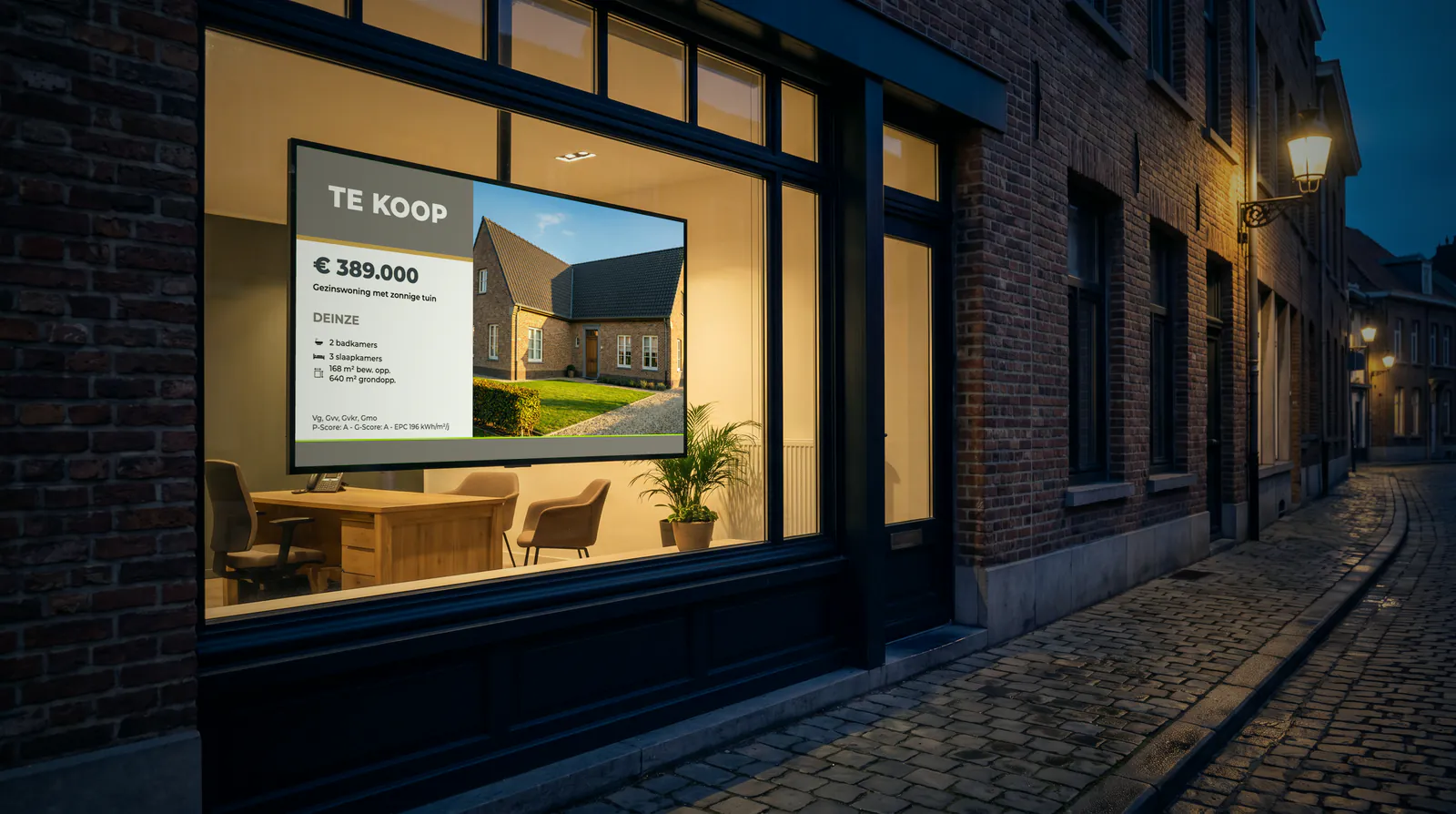
A shop window display that shows your properties from Omnicasa, with their status
Do you work with Omnicasa? Then your listings appear in your shop window by themselves. If a property is sold or under offer, the screen follows, without you doing anything. You pay €39 per screen per month.
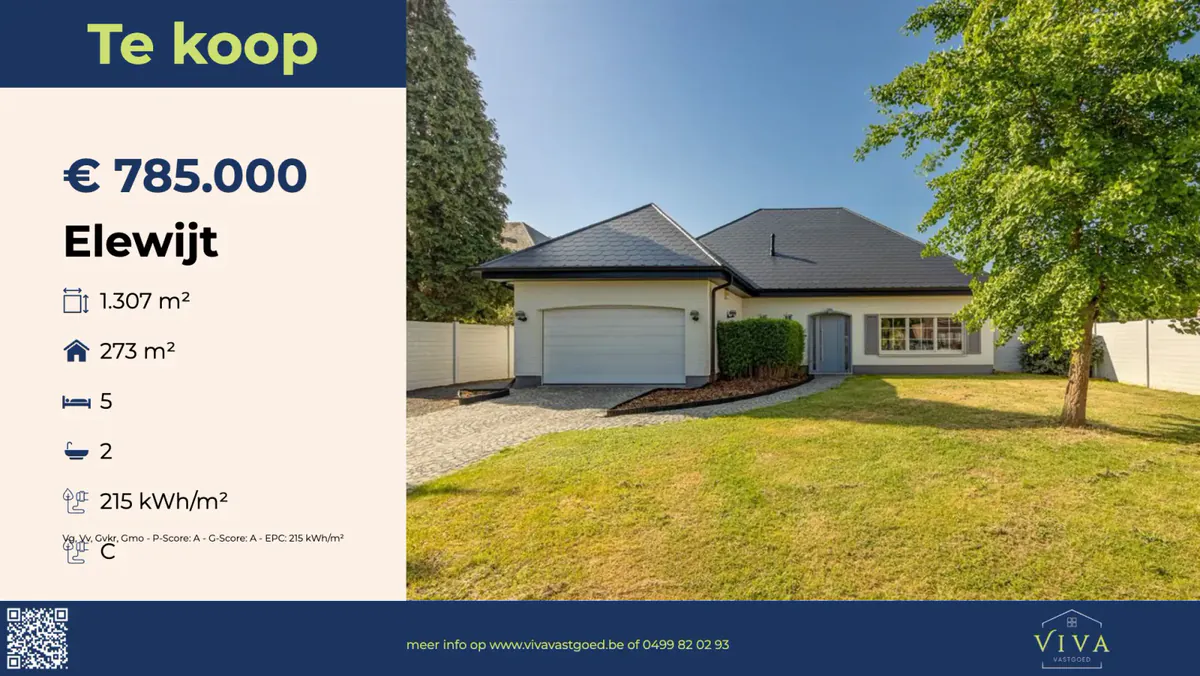
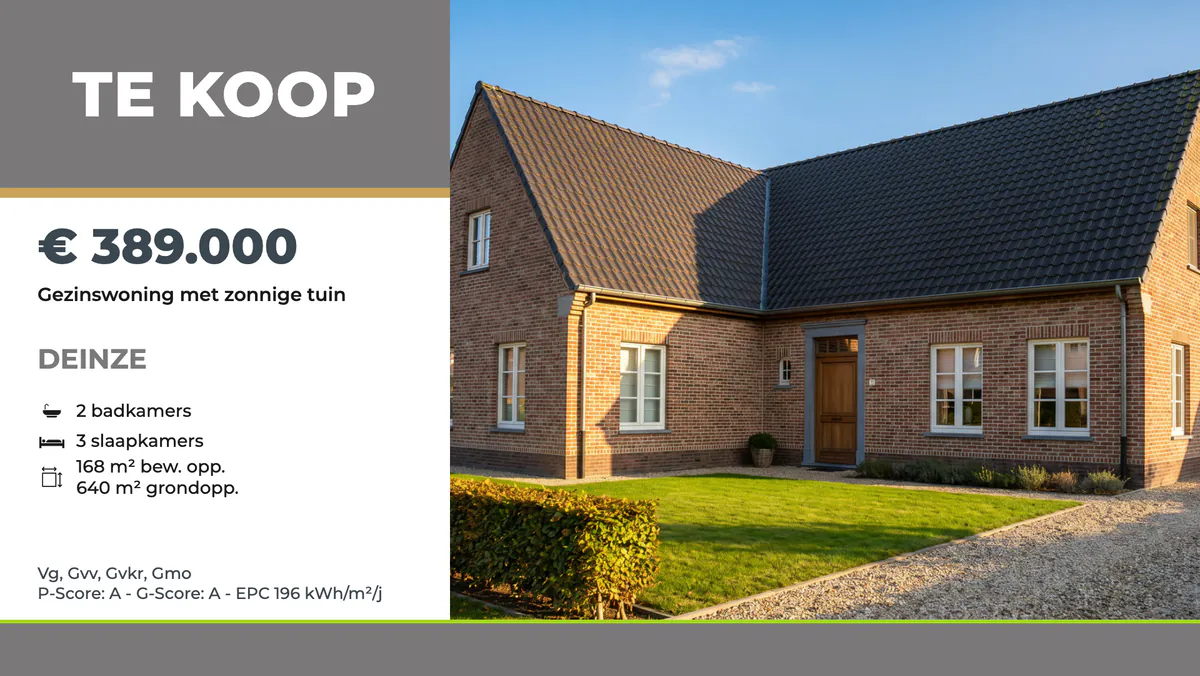
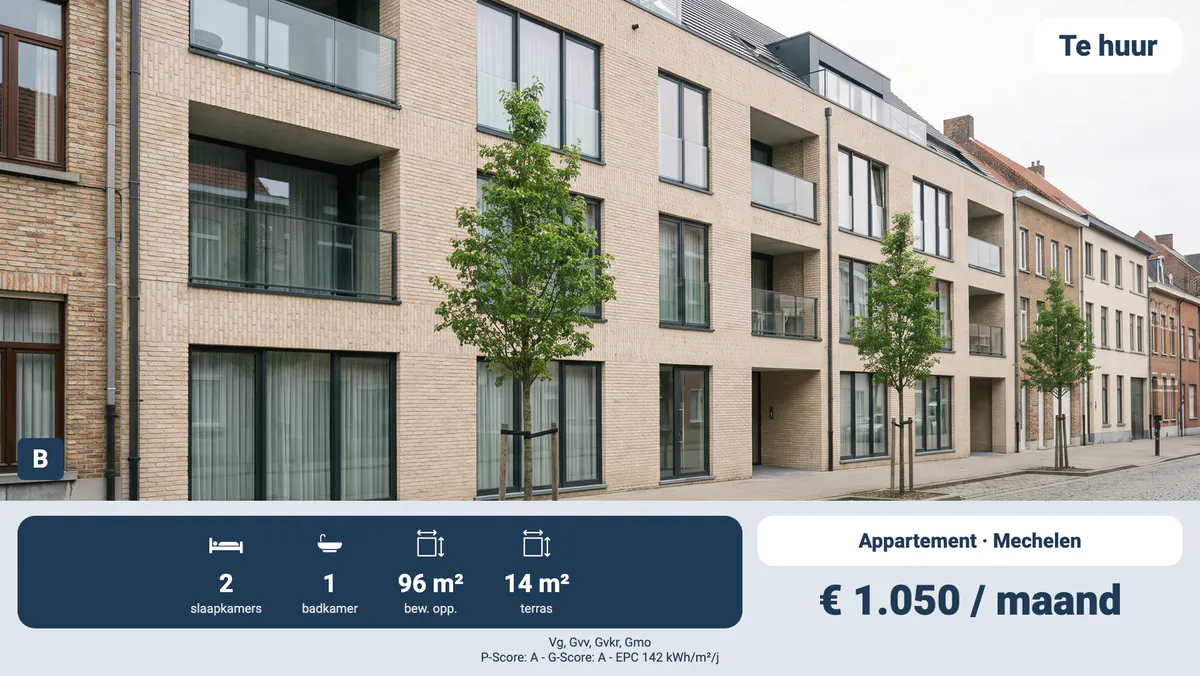
What changes with Omnicasa?
Sold or let
You choose at the start: a sold or let property disappears, or stays for a while with a banner.
Under offer
A property under offer can get an "under offer" label on the screen.
EPC and urban planning information
The EPC label, the urban planning information and the flood risk scores appear with the property.
A new property
A property you add to Omnicasa is in your shop window within a few hours.
You work in Omnicasa. We take care of the shop window.
You keep your properties up to date in Omnicasa, as always. The screen follows.
How to start with Omnicasa
Permission in Omnicasa
In or through Omnicasa, you give us access once. After that, we take care of everything.
You choose how a status looks
Together we choose a design and what happens to a sold property: gone, or shown for a while with a banner.
The partner puts it up
An installation partner from your region installs the screen. After that, it shows your properties with their status.
What a screen linked to Omnicasa brings you
An honest shop window
What is sold disappears or carries a banner.
The urban planning information in view
The EPC label and the urban planning information are on the screen as well.
Change it once
You change a status only in Omnicasa. The window follows.
A shop window with the right status
If the status of a property changes in Omnicasa, your shop window display follows within a few hours. You choose how that looks at the start, together with the design in your house style.
A sold or let property can disappear from the screen. It can also stay for a while with a "sold" or "let" banner. That shows that your agency is selling. A property under offer can get an "under offer" label, so that your shop window does not promise more than you can deliver.
A new property that you enter in Omnicasa is on the screen within a few hours, with its status and its urban planning information. Nobody in the office has to keep track of that any more.
EPC and urban planning information
A Belgian property comes with more than a photo and a price. The screen also shows the EPC label with its score, the urban planning information such as Vg or Gvv, and the flood risk scores. This information appears with the property it belongs to, in your house style.
You enter that information in Omnicasa as always, and we show it on the screen for you. If you change a price, the new price is in your shop window the same day.
What else is on the screen
Besides the status and the urban planning information, the screen shows the main photo, the price, the town and a short title. Alongside are the bedrooms, the bathrooms, the floor area and the plot or the terrace. The screen hangs in landscape or portrait, and can show your properties one by one or together in a grid.
Without internet, your shop window does not go blank: the screen holds on to the latest properties it received. We monitor it remotely. If something needs replacing, the installation partner comes to your office.
You can read what a shop window display does for your agency after closing time under shop window display for estate agents.
These screens run today at estate agents in Flanders.
 Immo Roman
 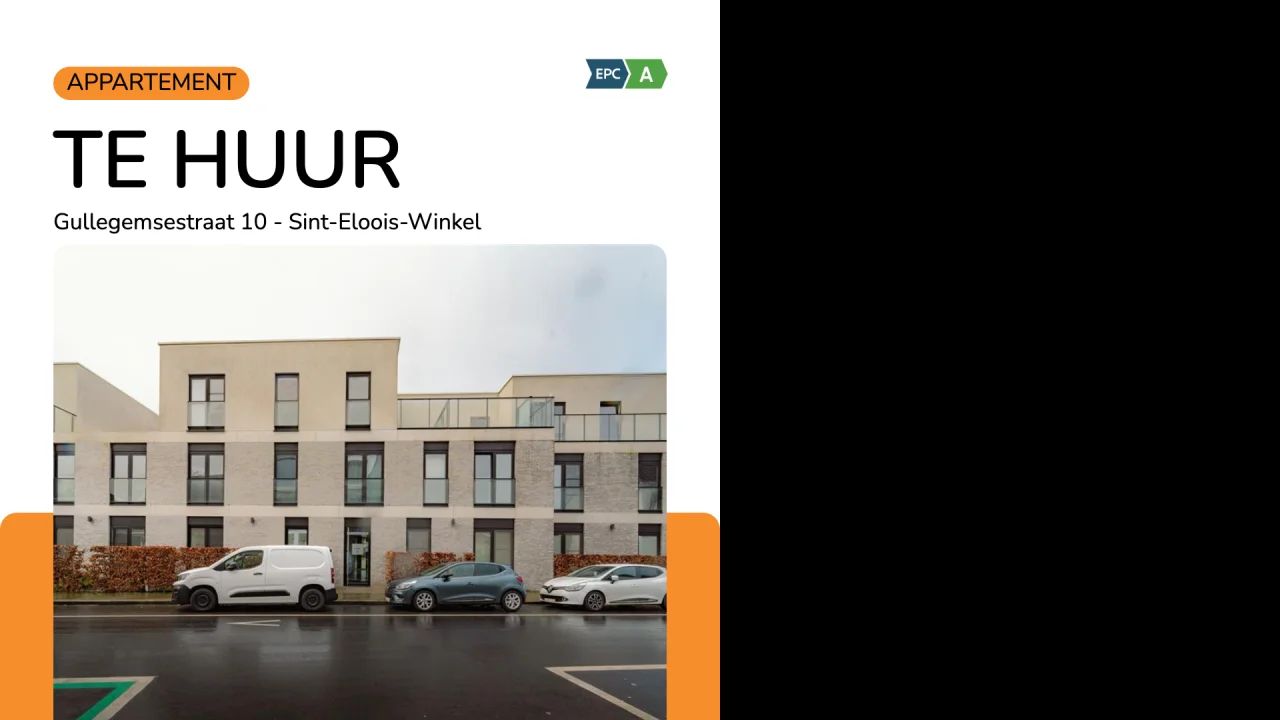 Belistate
  Rodenburgh
 €39 per screen per month, on an annual contract. The screen and its installation are a one-off quote from an installation partner in your region. More about pricing
Frequently asked questions
Does a sold property from Omnicasa get a banner on the screen?
If you want it to. At the start, you choose whether a sold property disappears, or stays for a while with a "sold" banner. The same goes for let properties.
Does the screen show that a property from Omnicasa is under offer?
Yes, the screen can show an "under offer" label. At the start, we check with you whether you want that.
Does the urban planning information from Omnicasa also appear on the screen?
Yes. The urban planning information, such as Vg or Gvv, appears with the property, together with the EPC label, its score and the flood risk scores.
Does a screen with status and EPC cost extra?
No. The status, the EPC label and the urban planning information are included in the €39 per screen per month, on an annual contract.
Ready for your own screen?
Request a proposal. We will contact you within two working days and visit you with an installation partner from your region.
Request a proposalAlso of interest
Whise
Do you work with Whise? Your shop window display shows your properties by itself, for each office and each new development too. €39 per screen per month.
ViewZabun
Do you work with Zabun? Your shop window display shows your properties to let and for sale by itself. €39 per screen per month.
ViewSkarabee
Do you work with Skarabee? Your shop window display shows your properties by itself, with a QR code to your website. €39 per screen per month.
ViewAll integrations
All the agency software that Will Impress works with.
ViewReal estate
Everything for estate agencies in one place.
ViewShop window display for estate agents
Your properties in the shop window, day and night.
View